

Music software by Savilion.
Hands-on tools for making music. Built in the studio by Savilion.
Koala Link
Your controller.
Your Koala workflow.
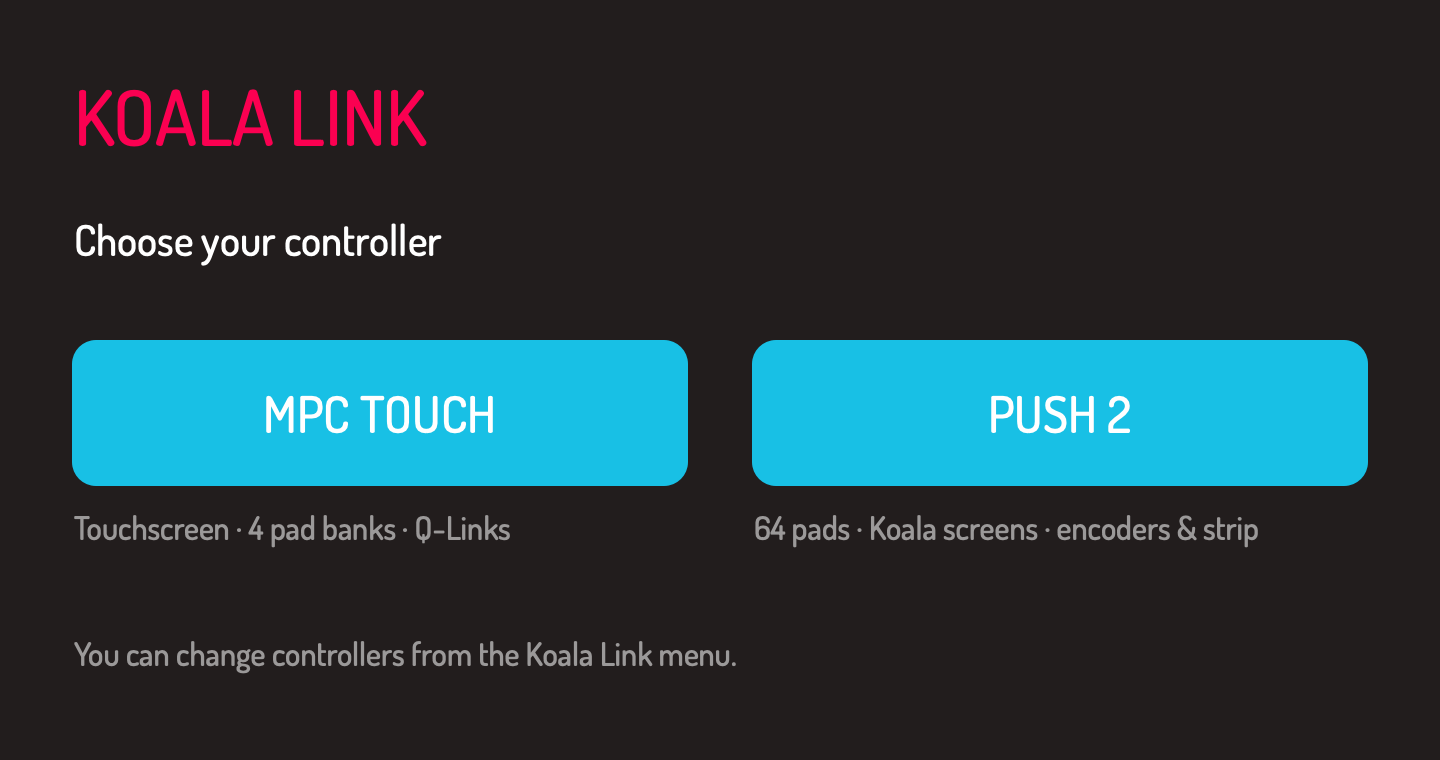
Connect Koala Sampler for Mac to MPC Touch or Ableton Push 2. Play samples, work with chops and shape your sound from the hardware. Choose your controller when Koala Link opens.
v1.4.6 · MPC Touch release · Apple silicon · macOS 13+
One installer includes the app, touchscreen driver and automatic MIDI mappings for MPC Touch and Push 2. Requires Koala Sampler (sold separately) and DisplayLink Manager. Email signup is optional.
Four banks. All your pads.
Play Koala’s 64 sample pads across banks A–D. Toggle FULL LEVEL for consistent pad hits.
Chops stay in order.
Use 16 LEVELS for Chopper keyboard mode, with mapping that follows Koala’s slice behavior and smaller or odd chop counts.
Koala on the MPC screen.
Hold, drag pads to the trash, and pinch to zoom in the sample editor and piano roll. Q-Links and transport controls are mapped.
SOFTWARE / RELEASE LIST
Hear what’s next.
Get Koala Link updates and news about new SAV LAB software, including Paper Cut. Join the list for future releases and product launches.
Joining is optional. Koala Link stays free.
SAV LAB / SIGNUP SAVED
You’re on the list.
Koala Link is ready to download. We’ll use your signup for SAV LAB software updates and future product news.
Download Koala Link 1.4.6 ↓ Explore the included Push 2 preview →Push 2 support is a preview. The latest build adds faster display feedback and sample deletion; complete control validation is ongoing.
SAV LAB / KOALA LINK / NEW CONTROLLER
PREVIEWA Koala view on Push 2.
Play and select samples from the pads, trim with the encoders, and perform with effects and the touch strip. Custom sample, piano-roll, sequence, EQ and mixer views bring Koala to the Push display.

The Push 2 preview is included in the same 1.4.6 installer. It adds cached waveforms, immediate trim and sequence feedback, and pad selection for editing. To delete a sample, leave NOTE mode, hold one pad and press DELETE; confirm in Koala if prompted. Recording notes use a local timing preview that settles to Koala’s saved data. Mac edits and new audio still depend on Koala saving; create and edit chops in Koala.
Download Koala Link 1.4.6 ↓STUDIO NOTES / DEMOS / RELEASES
Follow SAV LAB
BEFORE YOUR FIRST SESSION
Install. Connect. Play.
What you need
An Apple silicon Mac running macOS 13 or later, plus Koala Sampler for Mac.
MPC Touch: DisplayLink Manager and Accessibility permission for Koala Link and mpc_touchd.
Push 2: A USB connection. Close Ableton Live and Paper Cut while Koala Link uses the Push display.
Installation
- Download the Koala Link installer and run the .pkg file.
- Connect and power your controller, then open Koala Link in Applications.
- Choose MPC Touch or the Push 2 preview. Koala Link automatically prepares the matching MIDI map; you don’t need to learn each control. For MPC Touch, allow Accessibility when prompted.
- On a new Koala installation, Koala Link opens Koala once to create its settings, then reopens it with the mapping ready. If Koala shows a first-time setup or permission dialog, finish it, quit Koala and choose your controller again.
The app and installer are not notarized. If macOS blocks the download, use Open Anyway in System Settings → Privacy & Security.
Help, release notes and source
Project and setup guide · Release notes · Report an issue
Koala Link is an independent companion app created by Savilion. Koala Sampler, Akai and Ableton are separate products and brands.
02 / BY SAV LAB / IN DEVELOPMENT
Paper Cut
Hands-on music software by SAV LAB. Join the software list for Paper Cut release news and future product launches.